A face, a pet, a favorite moment.
Choose a clear photo with one main subject. Adjust detail, color count, cropping and fabric count while checking the preview.
THE PHOTO-TO-PATTERN WORKSHOP
Turn a favorite photo into a cross-stitch chart. Refine the scattered stitches, plan your threads, and make something you can hold.
For iPhone · iOS 17 or later · App Store release in preparation
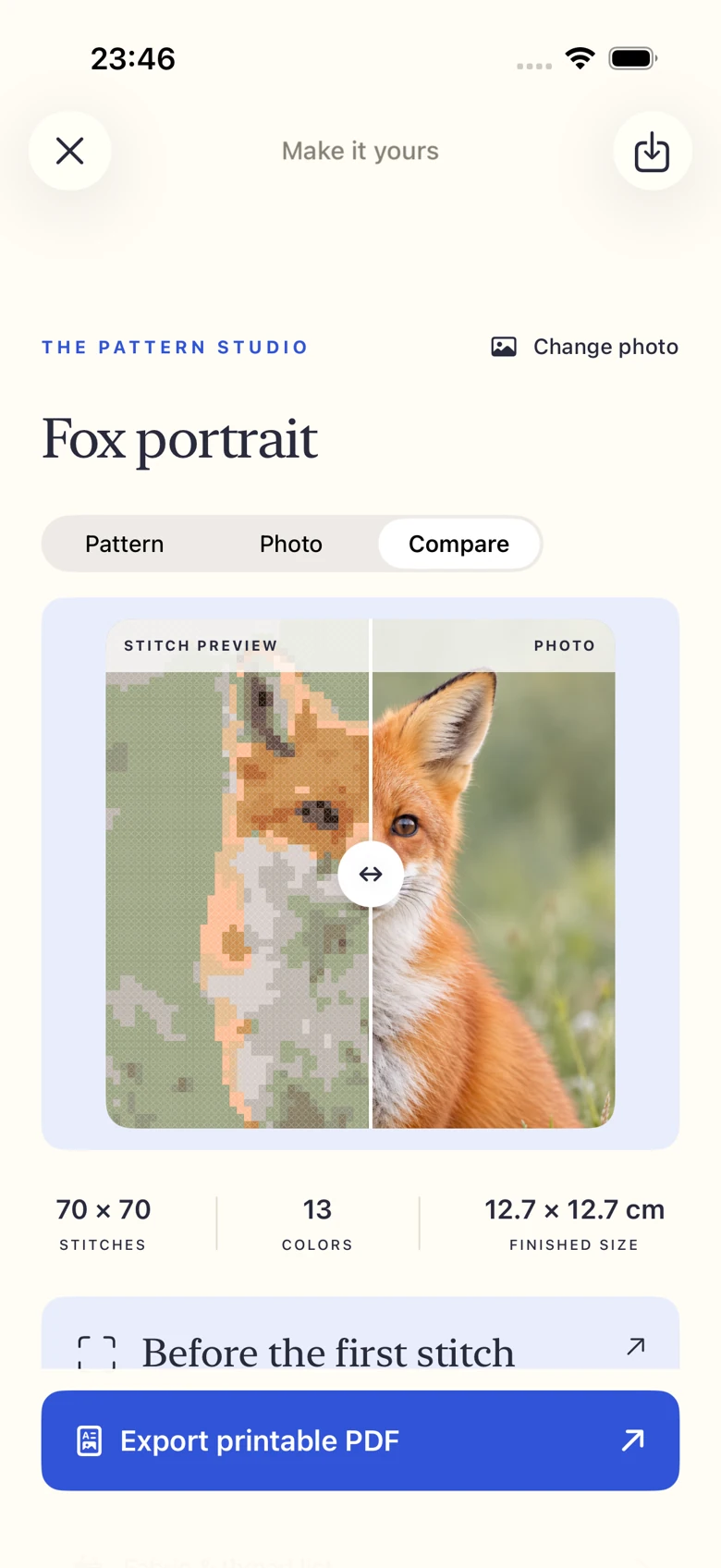
BEFORE THE FIRST STITCH
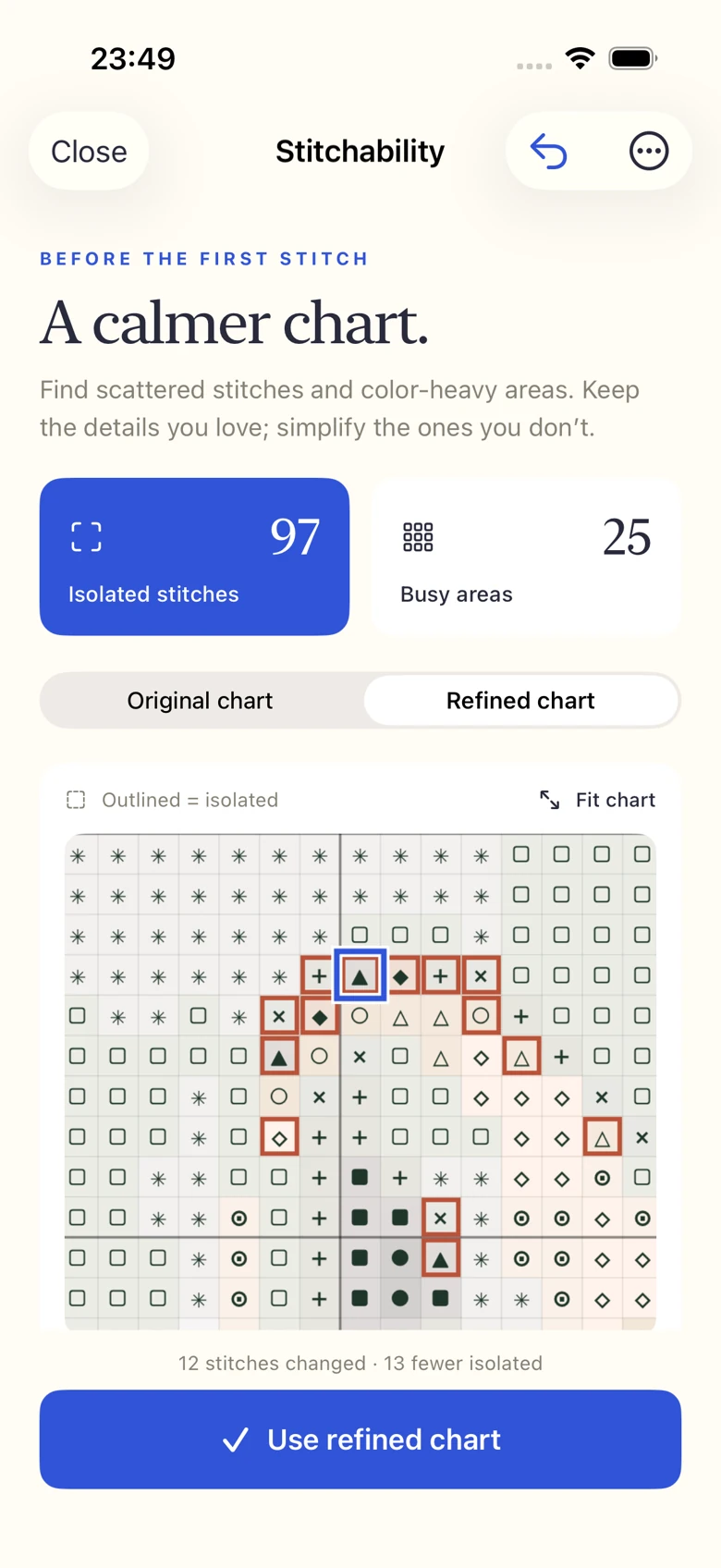
A tiny stitch can be a stray color — or the glint in an eye. Inspect isolated stitches and color-heavy areas before you begin.
Preview suggested changes, choose a nearby thread yourself, and compare the result with your original chart. You make the final call.
Suggestions use similar, locally dominant colors. Higher-contrast details stay available for manual review. An isolated stitch is not automatically a mistake.
A few colors from the actual sample chart.
AT THE WORKTABLE
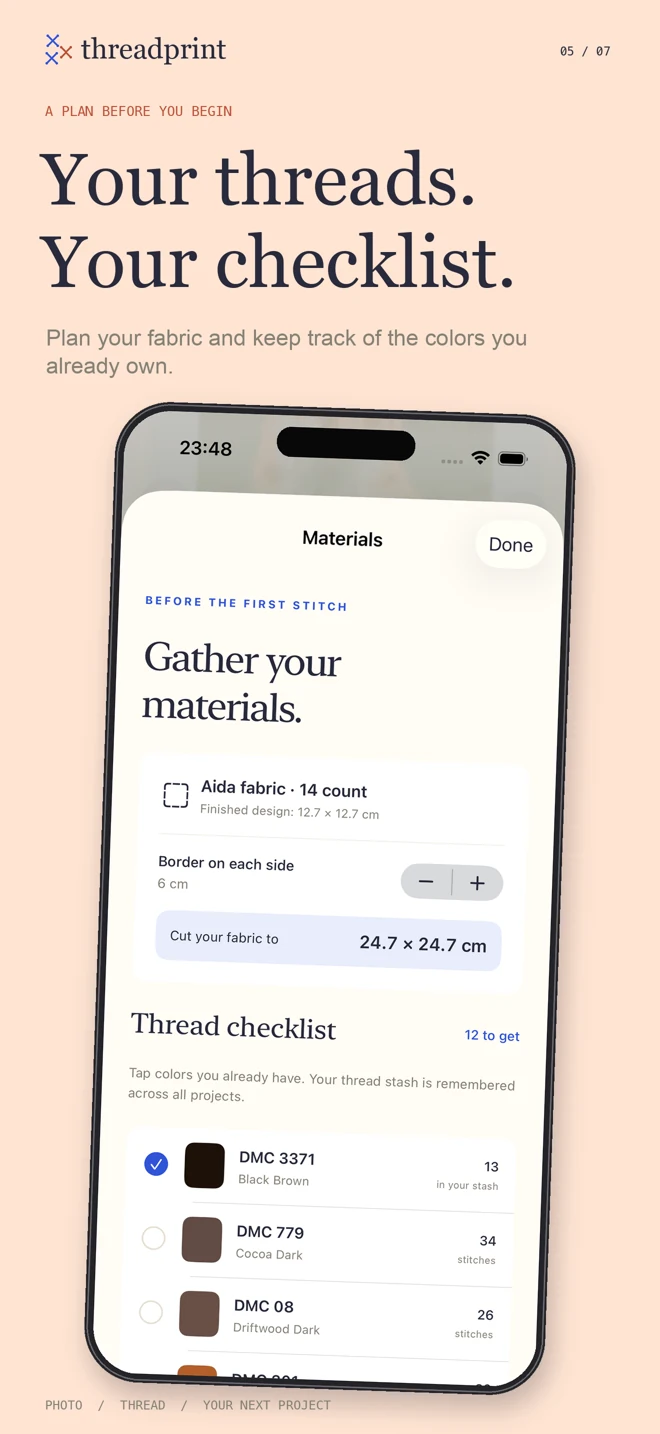
Bring the practical parts of a project together before you start.
THE REAL WORKSHOP
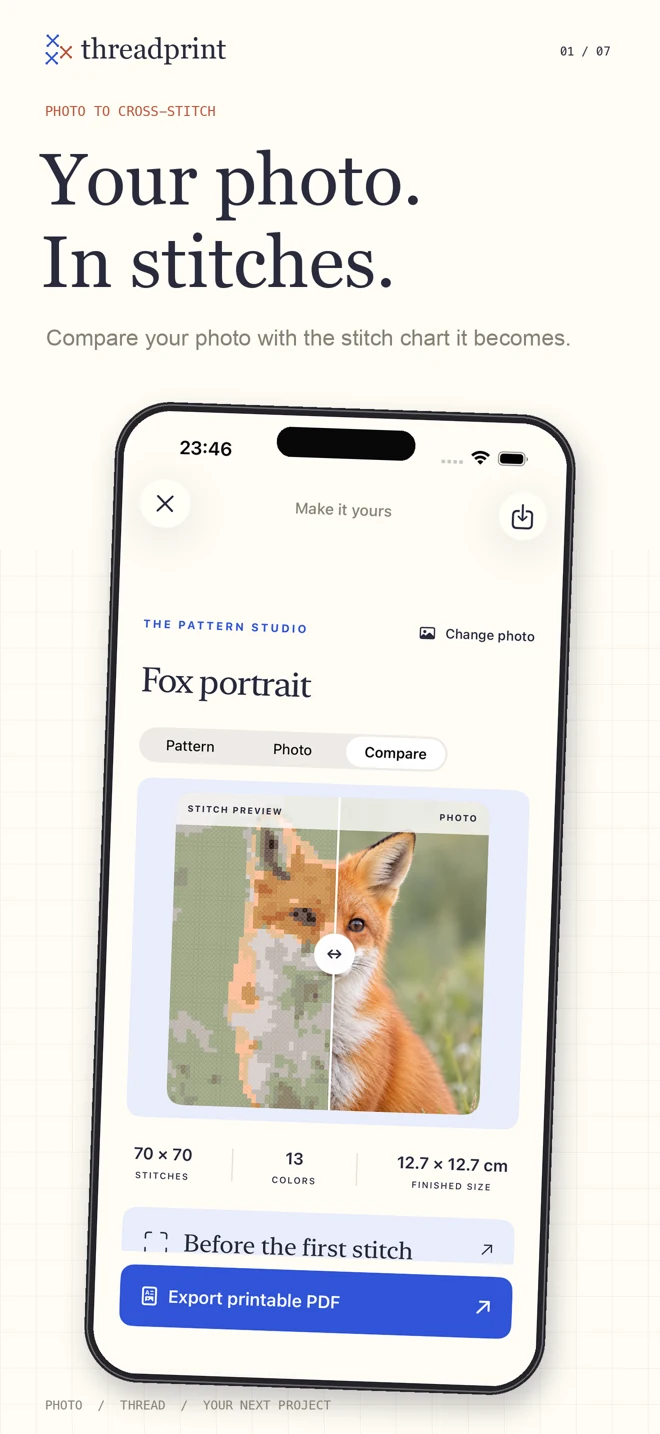
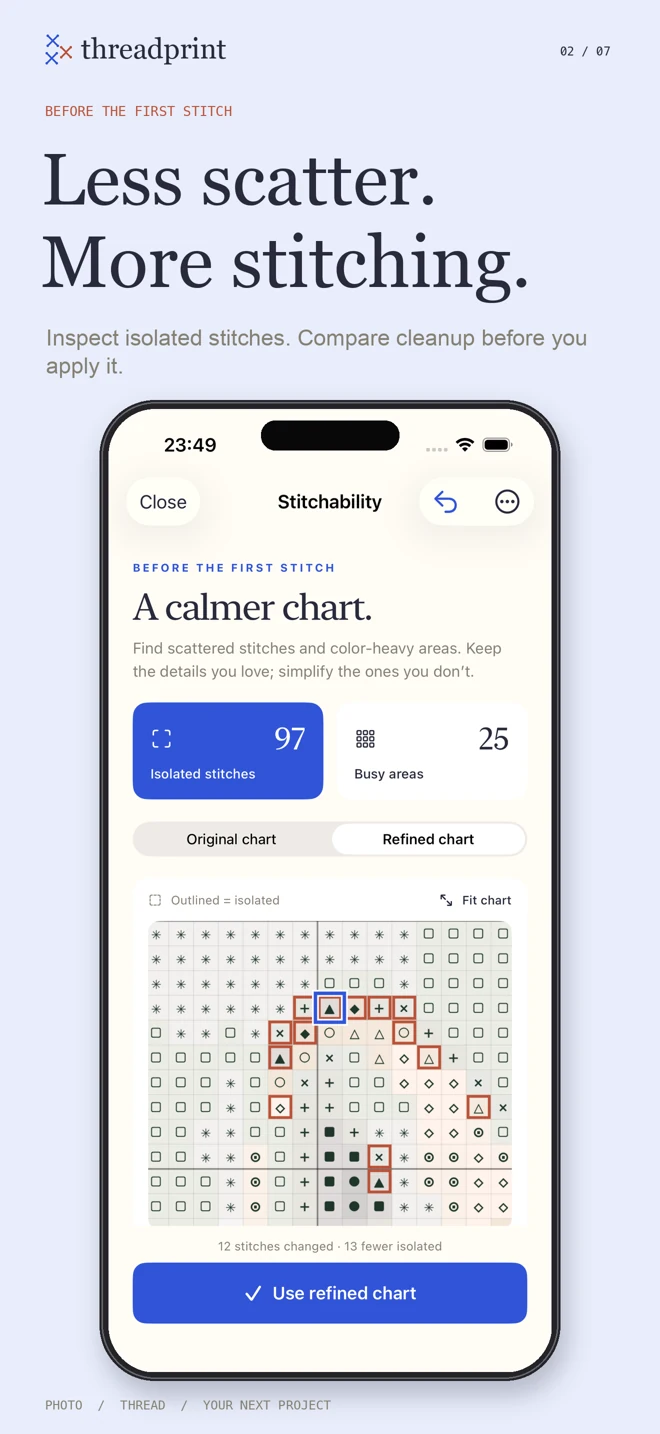
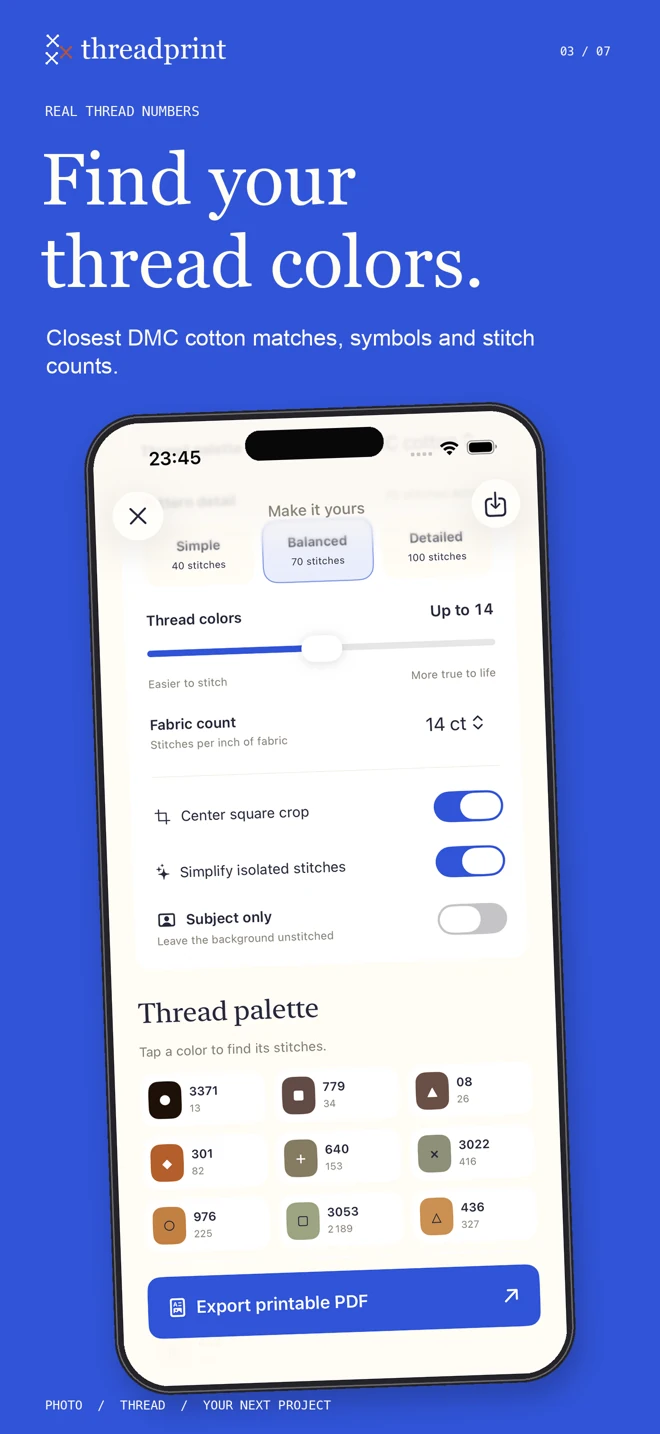
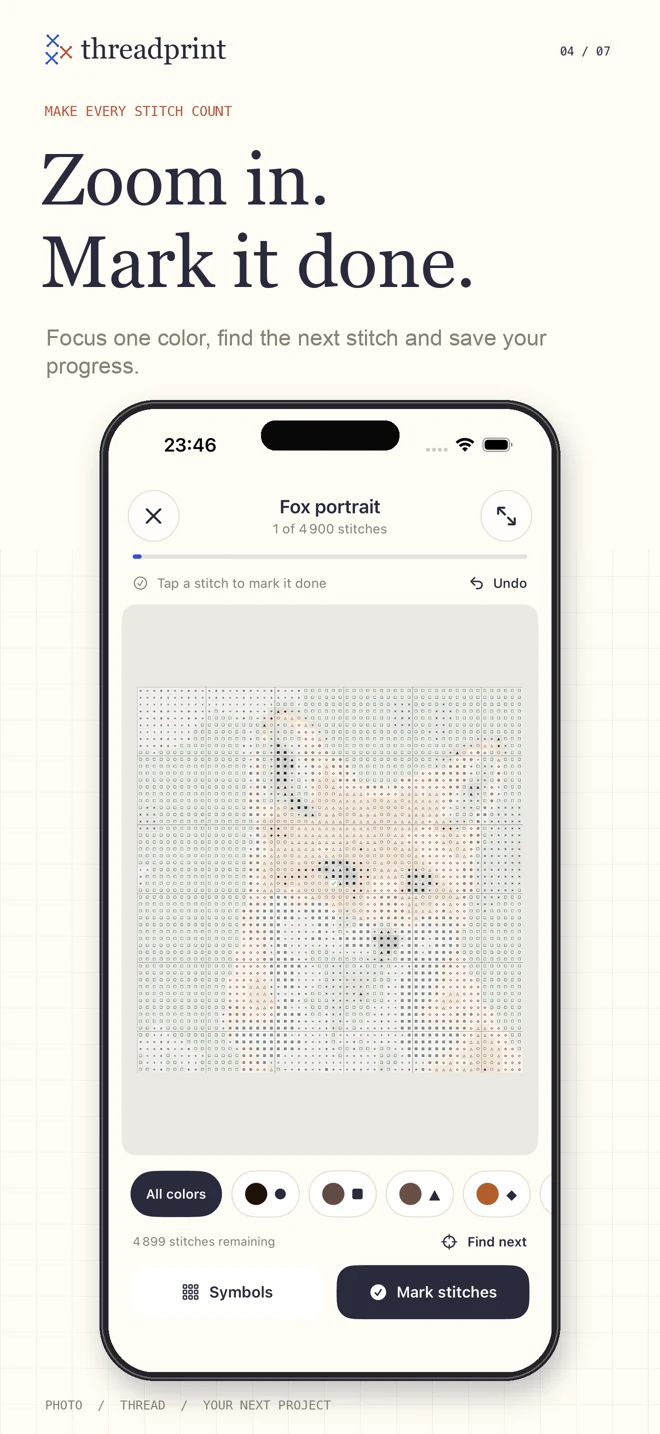
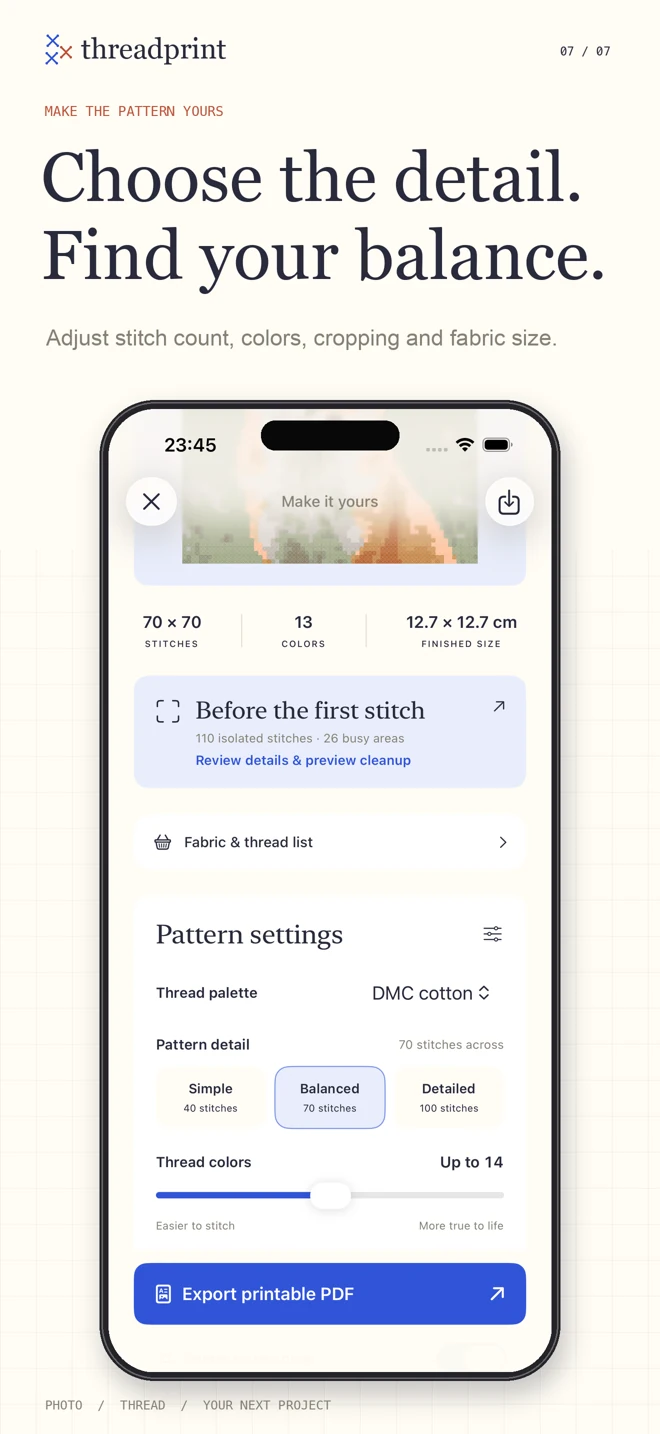
Choose a clear photo with one main subject. Adjust detail, color count, cropping and fabric count while checking the preview.
Inspect scattered stitches, preview cleanup and plan your materials. Save the chart you want to make.
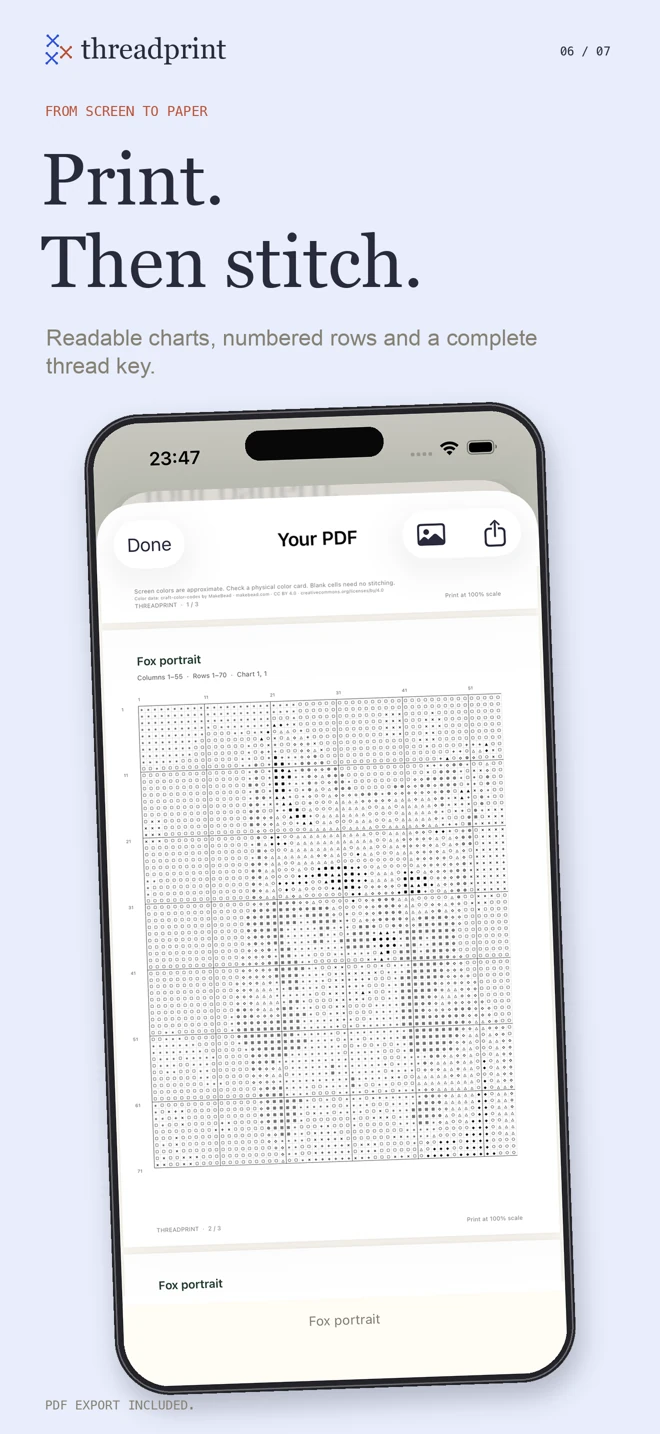
Zoom, focus and mark stitches as you go. Export numbered chart pages when paper works better for you.
A FEW THINGS TO KNOW
No. Threadprint is a paid app download with all its tools and PDF exports included. There is no subscription or additional in-app purchase.
Photo processing and chart generation happen on your device. Projects are stored locally. A PDF or shopping list is shared only when you choose to share it.
No. You can inspect and keep them. Suggested replacements use nearby, similar colors. Compare and undo before applying changes; small details may be intentional.
DMC mode finds close screen-color matches to numbered cotton threads. These are approximations, so check a physical thread card before buying supplies.
Yes. Your charts, source photos, settings and stitch progress are saved on your iPhone. Cloud synchronization and freehand drawing are not included.
Threadprint is coming to the App Store. Questions before you begin?